
Understanding Why Image Optimization Matters
Image optimization is essential for any website’s success. It improves how users experience your site, affects search rankings, and impacts your business results. Just like a physical store needs to be organized and welcoming, your website’s images need to be properly optimized to create an efficient and pleasant experience.
The Impact of Image Optimization on User Experience
Fast page load speed is a key benefit of optimizing your images. Today’s users have little patience for slow websites - studies show that 53% of mobile visitors leave if a page takes more than three seconds to load. With unoptimized images, you risk losing half your potential customers before they see your content.
Well-optimized images create a smooth, uninterrupted browsing experience. When large image files cause jerky loading, it disrupts the user’s focus. Proper optimization ensures your content loads consistently, keeping visitors engaged and spending more time exploring your site.
The Role of Image Optimization in SEO
Search engines like Google favor websites that deliver excellent user experiences. Since page speed significantly influences search rankings, optimizing your images helps improve your site’s visibility in search results. Better rankings mean more organic traffic and broader reach.
Image optimization also enables proper use of alt text - descriptive captions that help search engines understand your images. This improves both SEO performance and accessibility for visually impaired users, making your site more inclusive.
The Business Benefits of Image Optimization
The combined advantages of better user experience and SEO lead to clear business gains. When your site loads faster and ranks higher, you’ll see increased conversions - whether that’s sales, leads, or sign-ups. Making it simple for users to access and interact with your content creates more opportunities for them to take desired actions.
Images typically make up about 60% of a website’s total file size, according to Google’s research. This means optimizing images can significantly boost overall site performance. When you prioritize image optimization, you invest in making your online presence more effective and profitable.
Mastering Image Dimensions for Modern Devices
Understanding proper image dimensions is essential for delivering a great website experience. A well-planned approach to image sizing ensures your visuals display beautifully across all devices while maintaining fast load times and professional quality.
Why Image Dimensions Matter
Page load speed and user experience are directly impacted by the dimensions of your images. Images that are too large take longer to download, which can frustrate visitors, particularly those on mobile devices or slower connections. This also affects your Core Web Vitals scoring, which Google uses to determine search rankings.
Poor image sizing can cause layout shifts - where page elements move around as images load. This creates a disruptive experience for users and makes your site feel unprofessional. Using consistent image dimensions helps maintain a smooth, stable layout.
Optimizing Dimensions for Different Devices
With users accessing websites on everything from 4K monitors to small phones, serving properly-sized images for each device is crucial. Responsive images allow you to deliver the right image size based on the user’s specific screen.
- Srcset and Sizes Attributes: These HTML attributes let browsers select the most suitable image size from multiple options you provide, optimizing for different screen widths
- Media Queries: Use CSS media queries to fine-tune how images display across various screen sizes and device types
Modern smartphone cameras can capture extremely high-resolution images - for example, the Samsung Galaxy S21 Ultra has a 108 MP sensor producing 12,000 by 9,000 pixel photos. However, displaying such large images on websites is impractical. A 108 MP photo could use 26 MB of data and take over two minutes to load on 3G. Website owners should deliver appropriately sized versions instead. Using srcset and sizes attributes with media conditions lets browsers load optimal image sizes for each device, reducing data usage and improving speed. This also helps minimize Cumulative Layout Shift (CLS) by specifying image dimensions upfront. Learn more about image optimization.
Automating Dimension Management
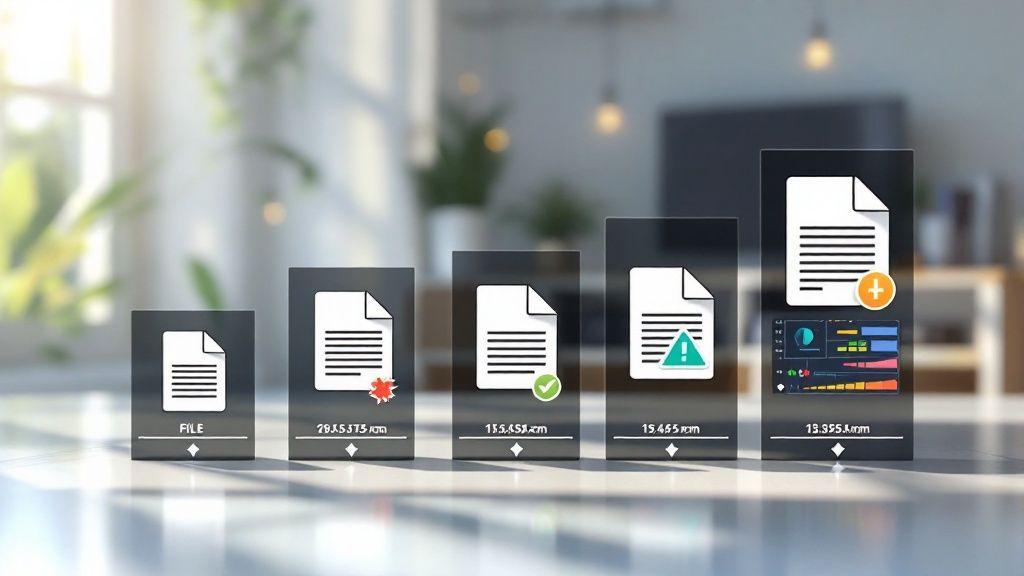
Manually creating multiple sizes of each image is time-consuming. Thankfully, several tools can handle this automatically:
- Image Optimization Plugins: Popular WordPress plugins like Optimole and ShortPixel automatically generate and serve properly sized images
- Cloud-Based Image Processing: Services like Cloudinary and Imgix provide APIs and tools to handle image resizing and optimization automatically
- Build Tools: Including image optimization in your build process ensures all images are properly sized before deployment
Following these image dimension best practices leads to faster loading times, better user experience, and improved search engine rankings. The result is a more effective website that keeps visitors engaged.
with improved readability and more engaging style:
Using Next-Generation Image Formats For The Web
Optimizing images involves more than basic resizing and compression. The choice of image format can make a major difference in file size and loading speed. By selecting modern formats strategically, you can create a faster, more engaging website experience that search engines reward with better rankings.
WebP: The Proven Performer
WebP, created by Google, offers both lossy and lossless compression options. The lossy version delivers better quality than JPEG at similar file sizes, while lossless WebP creates smaller files than PNG. This flexibility makes WebP an excellent choice for most web images.
AVIF: The New Contender
AVIF brings even better compression capabilities, building on the AV1 video codec technology. While still gaining widespread adoption, AVIF’s superior performance in both quality and file size reduction makes it a format to watch for future web optimization.
Getting The Best Performance
Modern image formats provide compelling advantages over traditional options. For example, WebP achieves compression ratios up to 20:1, significantly better than JPEG’s 10:1 and PNG’s 5:1. Major websites are seeing real benefits - Nikkei’s switch to WebP reduced image sizes by 38%, boosting both page speed and user satisfaction. Find more detailed statistics here.
Building In Browser Support
The <picture> element in HTML lets you specify multiple image versions, allowing browsers to select the best supported format automatically. This progressive enhancement approach ensures all users see your images correctly while prioritizing modern formats where possible.
Automating Format Delivery
Many tools can now handle converting images to next-gen formats and serving the optimal version based on each browser’s capabilities. This automation makes it much easier to implement advanced image optimization while ensuring every user gets the best possible experience for their setup. With strategic use of modern formats and smart delivery methods, you can create a faster, more engaging website that ranks better in search results.
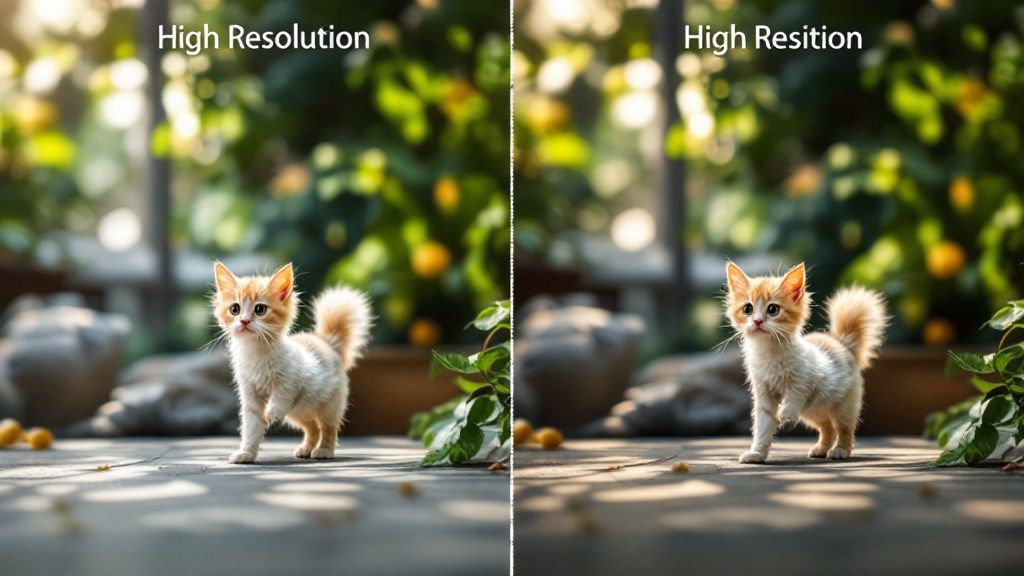
Building Effective Compression Workflows
Creating smaller images for the web requires careful balance and planning. Compression helps reduce file sizes while preserving visual quality that users expect. This section explores practical approaches to build compression workflows that deliver optimal results.
Understanding Compression Types
There are two main types of compression to consider: lossy and lossless. Lossy compression reduces file size by selectively removing some image data. When done carefully, these changes are barely noticeable to viewers. The most common example is the JPEG format.
Lossless compression keeps all the original image data intact while making files smaller through smart data organization. This means the compressed image looks exactly the same as the original. PNG and GIF formats use lossless compression. The choice between lossy and lossless depends on your image type and performance needs.
Building a Lossy Compression Workflow
Photos and images with many colors typically work best with lossy compression. The goal is finding the optimal balance between file size and visual quality.
- Pick your tools: Test different options like Adobe Photoshopor TinyPNG to find what gives the best results
- Test progressively: Begin with medium compression and gradually increase while checking for quality issues
- Match content needs: Detailed images may need lighter compression than simpler ones
- Compare options: For important images, test different compression levels to measure impact on loading speed and user engagement
Building a Lossless Compression Workflow
Lossless compression works best for logos, icons, and images with text or transparent areas. While the size reduction is usually smaller than lossy compression, it maintains perfect image quality.
- Choose formats wisely: Use PNG for complex color images and GIF for simple animations
- Start with good settings: Configure your image editor to export with optimal compression before using additional tools
- Use specific tools: Programs like ImageOptim can further reduce file size without changing image quality
By creating clear compression processes for different image types and needs, you can make your web images load faster while looking great. Regular testing and updates help keep your workflows effective as tools and standards change.
Automating Your Image Optimization Workflow

Handling image optimization manually for every image on your website takes significant time and effort. The good news is that automation can transform this tedious task into an efficient workflow. By setting up automated optimization, you get consistent results while freeing up time to focus on other important aspects of managing your site.
Adding Optimization to Your Build Process
One of the most effective approaches is integrating image optimization directly into your website’s build process. This ensures all images are properly optimized before they reach your server.
- Build Tools: Tools like Grunt, Gulp, and Webpack can automatically handle image compression, resizing, and conversion to formats like WebP as part of your regular deployment process.
- Task Runners: These tools execute a series of optimization commands in sequence - for example, compressing images first, then converting them to WebP format. This creates a custom optimization workflow suited to your needs.
- Key Benefits: You can be confident that every deployed image is properly optimized, eliminating the risk of unoptimized images making it to your live site.
Using CMS Plugins for Easy Automation
Most Content Management Systems offer plugins that handle image optimization automatically. These provide an easy way to optimize images without needing technical expertise.
- WordPress Solutions: Popular plugins like Optimole, ShortPixel, and EWWW compress and resize images when you upload them. Many include features like lazy loading and serving different formats based on browser support.
- Main Advantage: These plugins offer a simple point-and-click solution that’s perfect for users who want automated optimization without diving into code.
Creating Custom Optimization Scripts
For more granular control, you can build custom scripts to manage image optimization exactly how you want.
Programming Options: Languages like Python or Node.js work well for creating scripts that handle compression and format conversion automatically. This gives you precise control over the optimization process.
Main Benefit: Custom scripts provide complete flexibility to optimize images exactly how you need while integrating smoothly with your existing systems.
By implementing these automation methods, you’ll spend much less time manually optimizing images while maintaining consistently high performance across your website.
Measuring Success and Optimizing Performance
Making sure your image optimization efforts work requires tracking key metrics and continuously improving your approach. This helps you understand what’s working and adapt as web standards evolve.
Monitoring Key Metrics
There are two main types of metrics to track: performance metrics that measure technical aspects and business metrics that measure impact on goals.
Performance Metrics: Technical metrics that show how your site performs:
- Page Load Time: How quickly pages load, measured using Google PageSpeed Insights and GTmetrix
- Time to First Byte (TTFB): Time until browser receives first data byte
- Largest Contentful Paint (LCP): Load time of largest visible content
- Cumulative Layout Shift (CLS): How much content shifts during loading
Business Metrics: Metrics showing business impact:
- Conversion Rate: Percentage of visitors completing desired actions
- Bounce Rate: Percentage leaving after viewing one page
- Average Session Duration: Time visitors spend on your site
Tools and Strategies for Ongoing Optimization
Several tools help monitor optimization performance:
- Synthetic Monitoring: Tools like Pingdom simulate visits to test performance
- Real User Monitoring: Collects data from actual users to understand real-world experience
Building a Continuous Improvement Cycle
Creating an effective optimization process requires:
- Regular Metric Reviews: Check performance data consistently to spot trends
- A/B Testing: Compare different approaches to find what works best
- Keeping Current: Stay informed about new formats and techniques
By monitoring metrics and refining your approach over time, you can build a website that delivers great experiences while meeting business goals.
Ready to improve your website’s performance? GWC specializes in optimizing sites for small businesses and personal projects.